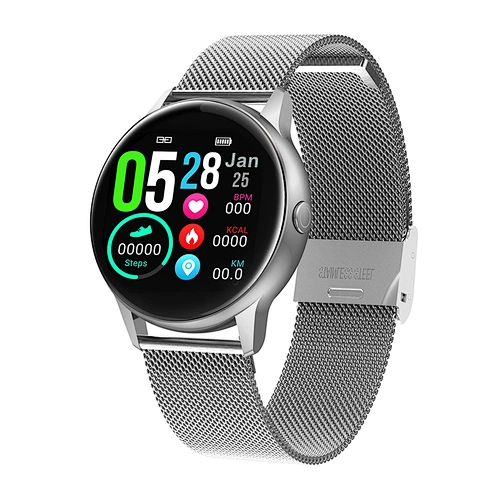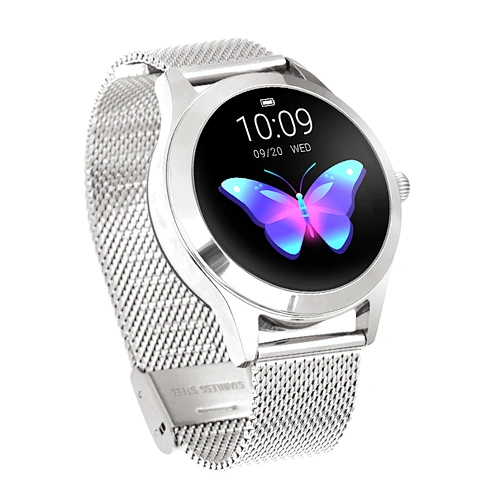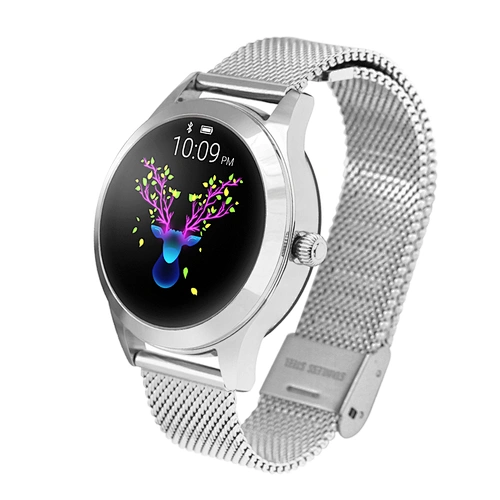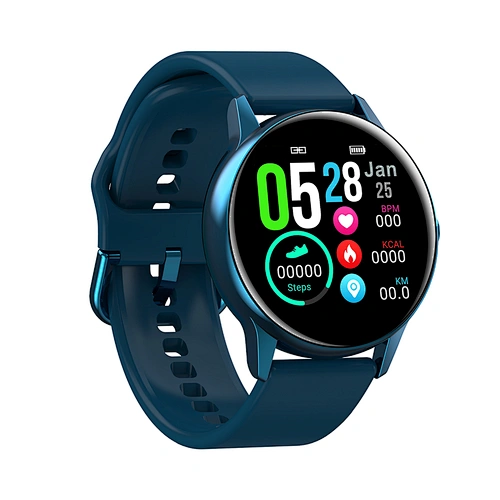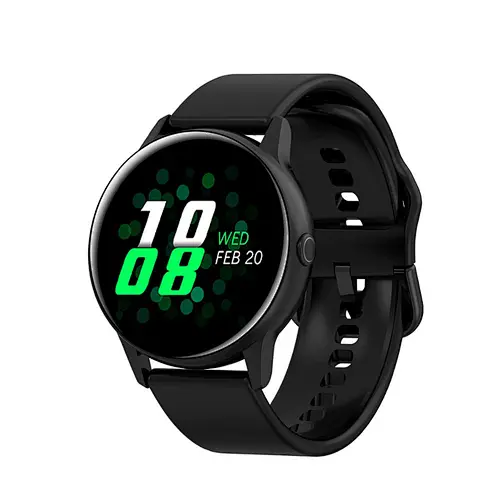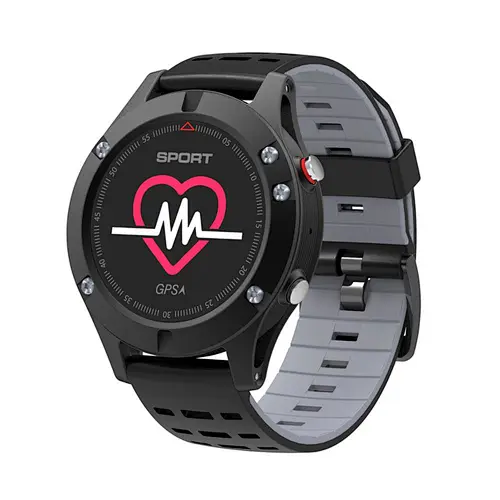



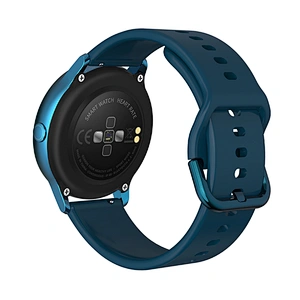


- Place of Origin:CN
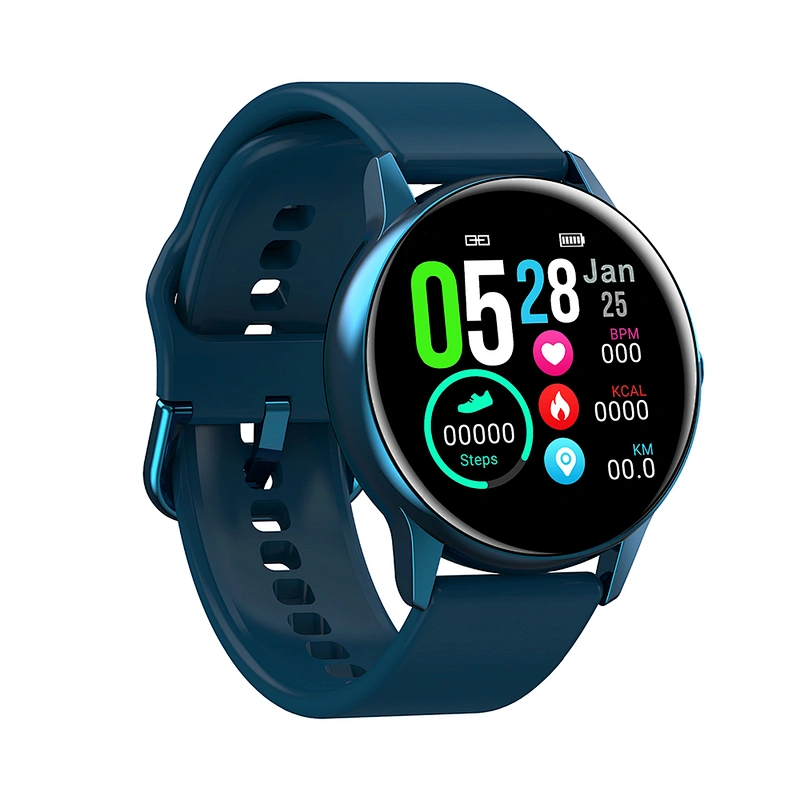
- Display Type:IPS
- Screen Resolution:320x240
- Screen:< 2"
- Display Color:Color
- Feature:GPS Navigation
- Feature:Touch Screen
- Feature:Bluetooth
- Operation System:ANDROID
- Operation System:IOS
- Camera:No Camera
- Design:Rotatable
- Movement Type:Electronic
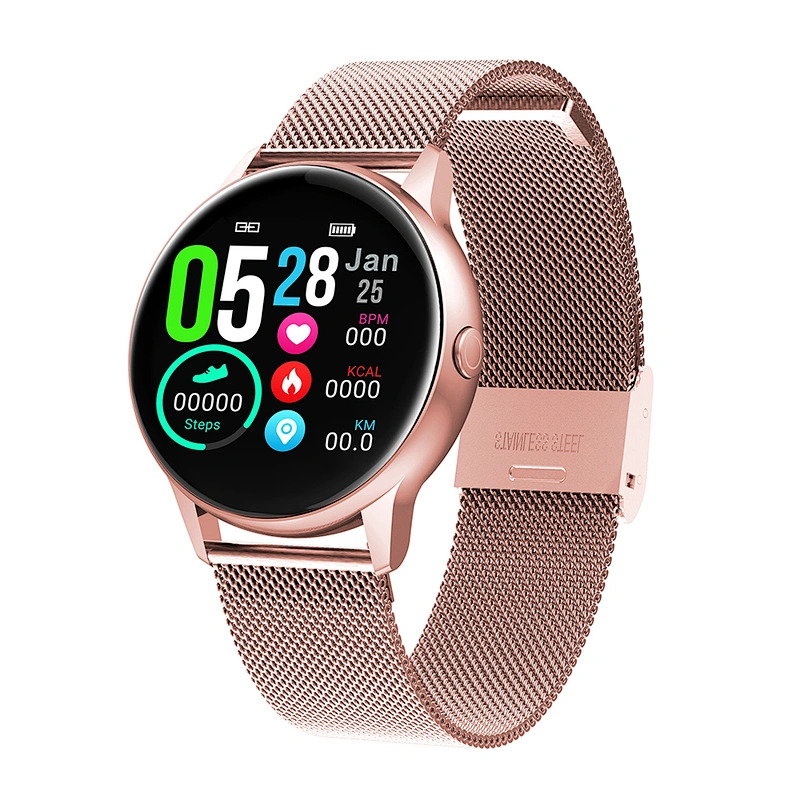
- Band Material:Silica Gel
- Case Material:ALLOY
- Function:24 hour instruction
- Function:Alarm Clock
- Function:CALENDAR
- Function:Call Reminder
- Function:Fitness Tracker
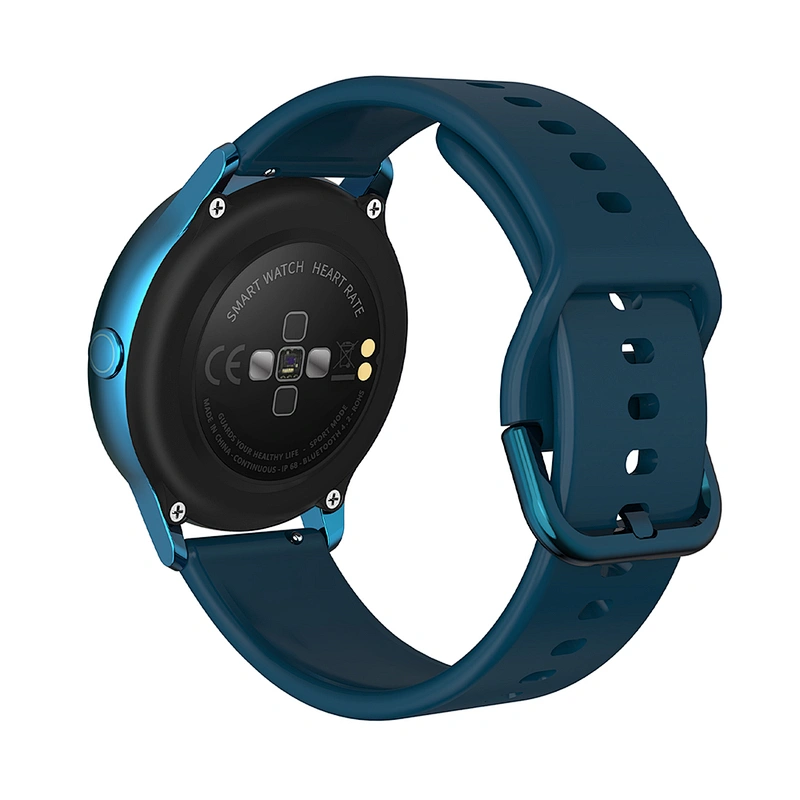
- Function:Heart Rate Tracker
- Function:MONTH
- Function:Message Reminder
- Function:Push Message
- Function:Remote Control
- Function:Sleep Tracker
- Function:THERMOMETER
- Function:WORLD TIME
- Function:Week
- Brand Name:TEAM WANG
- Model Number:DT88
I. Function description of bracelet
1.1 Button description:
A:Touch Screen/ Full Touch Screen
B:Return Key/Long Press for Power on and off on Time Interface
1.2 Charging instructions:
Magnetic charging is as shown below.
Be aware that the two contacts of the USB cable are not allowed to contact the conductor at the same time, or it will cause the circuit to burn.
1.1 Dial plate interface in standby mode:
1) Swipe right to open the push message interface;
2) Swipe down to open the drop-down menu which displays brightness, settings, do not disturb. Swipe left to open the weather interface
3) Swipe up to open the main menu list interface;
4) Press and hold the dial plate interface in standby mode to swipe and switch. Press and hold after selecting to set successfully.
1.2 Push message
Swipe right the standby interface to open the push message interface and bind the bracelet with Fundo app. When the notification authority is enabled, the new message received by the mobile notification bar will be pushed to the bracelet. A total of 8 pieces of messages can be saved. The message received after the 8th message will overwrite the previously received message one by one.
1.3 Drop-down menu
Swipe down the standby interface to open the drop-down menu interface.
1) The left icon shows the Bluetooth connection status
2) Click the middle icon to turn on/off the Do Not Disturb mode. When the Do Not Disturb mode is on, the vibration is activated only for Find the Bracelet and the Alarm;
3) The right icon can be used to adjust the screen brightness;
1.4 Step count
The step count is on by default. This interface displays the current number of steps in the bracelet. The data is cleared every day at 12 am.
1.5 Sleep
Sleep monitoring time period: from 21:00 to 9:00 in the next day, after the bracelet generates data and exits sleep monitoring, it binds Fundo app to synchronize the sleep data from bracelet end to APP end.
1.6 Bluetooth music
Android: after connecting the bracelet in the phone settings, open the music player, play/pause and switch songs at the bracelet end; (no need to bind in the app, if it is already bound, please unbind it and connect in the phone settings)
IOS: Open the music player after the bracelet is bound to the app, play/pause and switch songs at the bracelet end.
1.1 Dial plate interface in standby mode:
1) Swipe right to open the push message interface;
2) Swipe down to open the drop-down menu which displays brightness, settings, do not disturb. Swipe left to open the weather interface
3) Swipe up to open the main menu list interface;
4) Press and hold the dial plate interface in standby mode to swipe and switch. Press and hold after selecting to set successfully.
1.2 Push message
Swipe right the standby interface to open the push message interface and bind the bracelet with Fundo app. When the notification authority is enabled, the new message received by the mobile notification bar will be pushed to the bracelet. A total of 8 pieces of messages can be saved. The message received after the 8th message will overwrite the previously received message one by one.
1.3 Drop-down menu
Swipe down the standby interface to open the drop-down menu interface.
1) The left icon shows the Bluetooth connection status
2) Click the middle icon to turn on/off the Do Not Disturb mode. When the Do Not Disturb mode is on, the vibration is activated only for Find the Bracelet and the Alarm;
3) The right icon can be used to adjust the screen brightness;
1.4 Step count
The step count is on by default. This interface displays the current number of steps in the bracelet. The data is cleared every day at 12 am.
1.5 Sleep
Sleep monitoring time period: from 21:00 to 9:00 in the next day, after the bracelet generates data and exits sleep monitoring, it binds Fundo app to synchronize the sleep data from bracelet end to APP end.
1.6 Bluetooth music
Android: after connecting the bracelet in the phone settings, open the music player, play/pause and switch songs at the bracelet end; (no need to bind in the app, if it is already bound, please unbind it and connect in the phone settings)
IOS: Open the music player after the bracelet is bound to the app, play/pause and switch songs at the bracelet end.


Send Message
Related Products