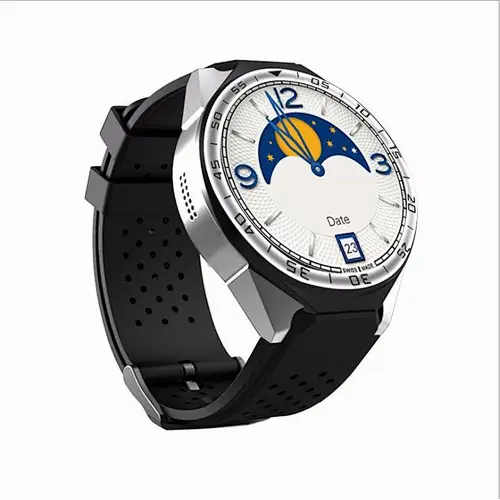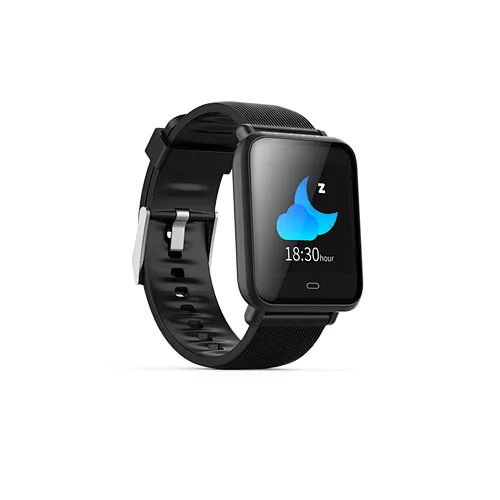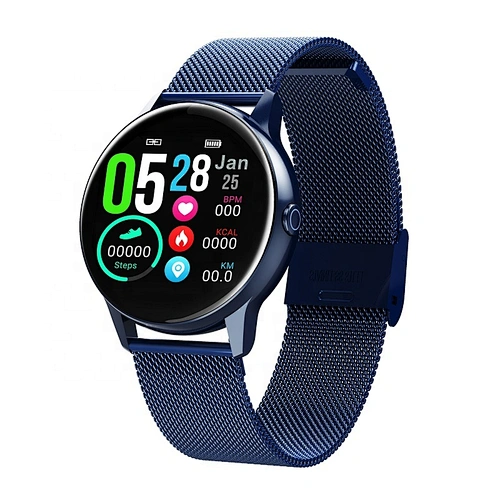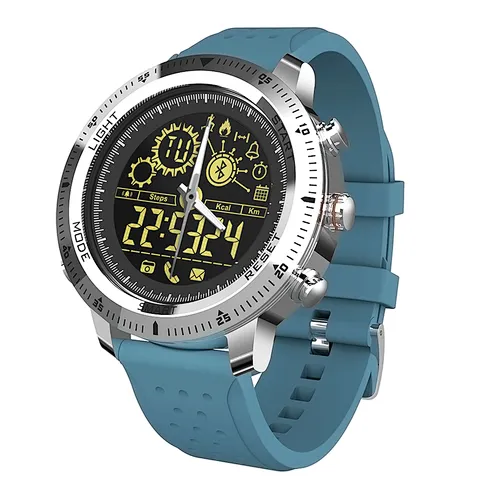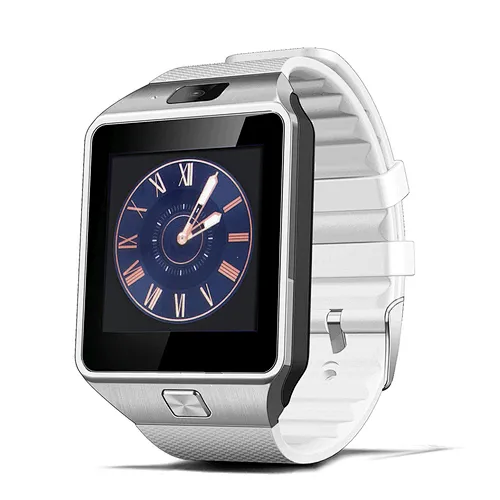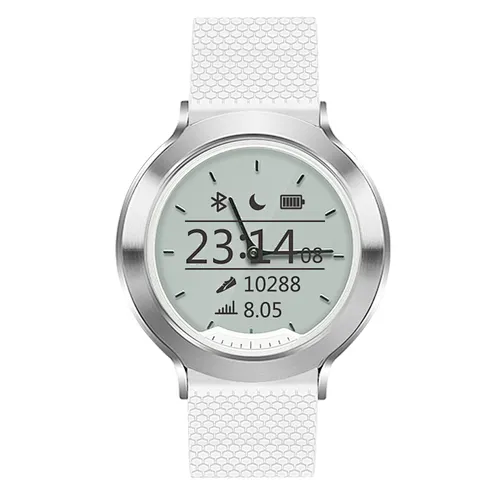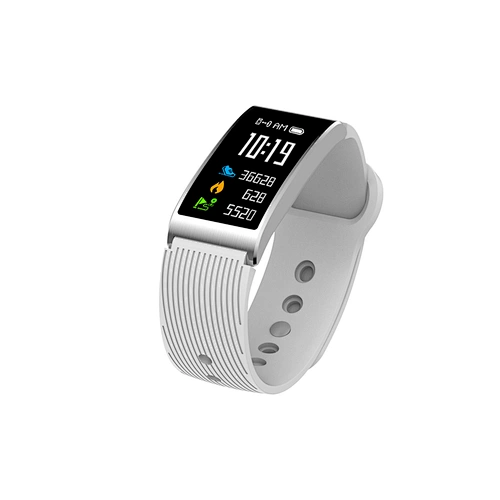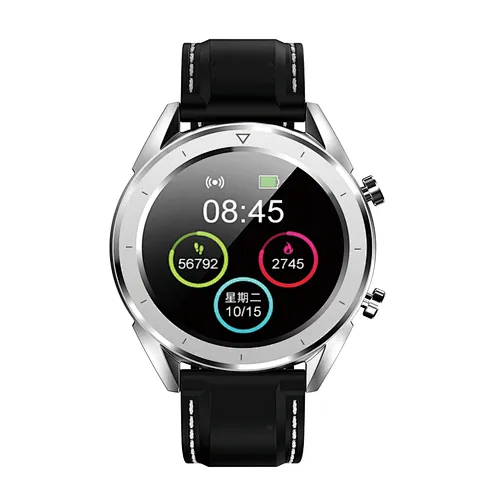
Models can be paired with:
Android phones: support OS 5.0 and above
Iphones:Support OS 9.0 and above
6%�^��6
Android phones: support OS 5.0 and above
Iphones:Support OS 9.0 and above
6%�^��6
Shenzhen Onequan Technology Corporation Ltd.About UsBlock B, Floor 2, Building 1, New West Industrial Zone, Ruyi Rd., Ailian Community, Longcheng Street, Longgang Dist. Shenzhen Guangdong ChinaAuthorized suppliers for Disney NO: X611-6309-9. Your OEM/ODM orders are warmly welcome. Our company has a 18 man designing team and a molding team of 60 technicians, 5 CNC sets, 10 EDM machines, 3D scanner, etc; 60 sets of moulds can be designed and Do.Shenzhen Onequan Technology Corporation Ltd.About UsBlock B, Floor 2, Building 1, New West Industrial Zone, Ruyi Rd., Ailian Community, Longcheng Street, Longgang Dist. Shenzhen Guangdong ChinaAuthorized suppliers for Disney NO: X611-6309-9. Your OEM/ODM orders are warmly welcome. Our company has a 18 man designing team and a molding team of 60 technicians, 5 CNC sets, 10 EDM machines, 3D scanner, etc; 60 sets of moulds can be designed and Do.Shenzhen Onequan Technology Corporation Ltd.Shenzhen Onequan Technology Corporation Ltd.Shenzhen Onequan Technology Corporation Ltd.Shenzhen Onequan Technology Corporation Ltd.Shenzhen Onequan Technology Corporation Ltd.Shenzhen Onequan Technology Corporation Ltd.Shenzhen Onequan Technology Corporatio
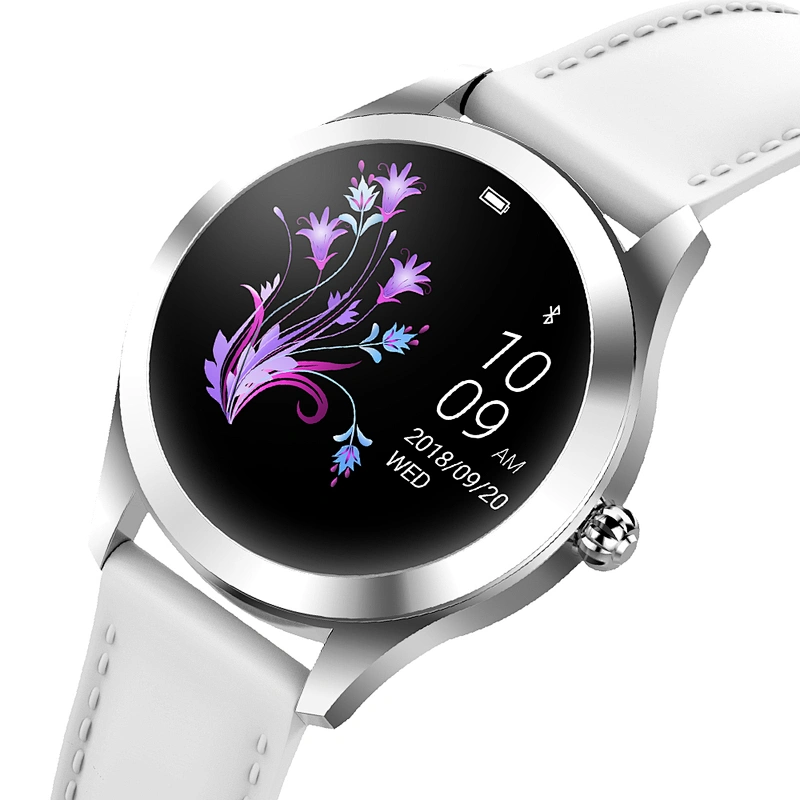
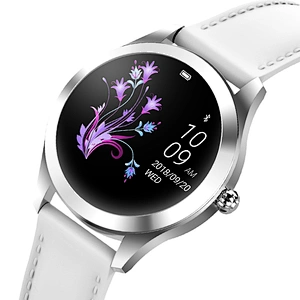
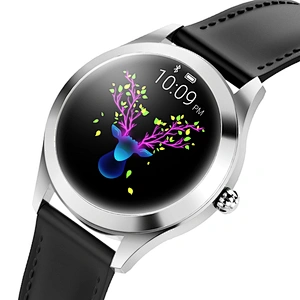
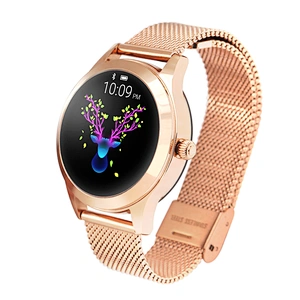
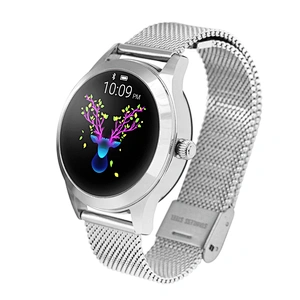
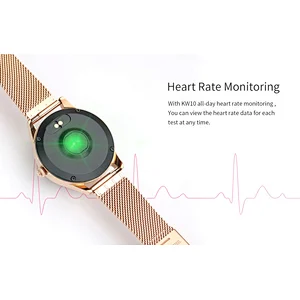
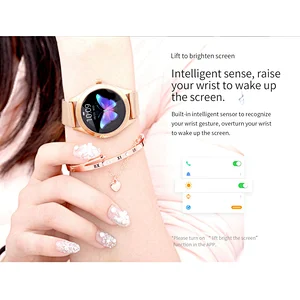
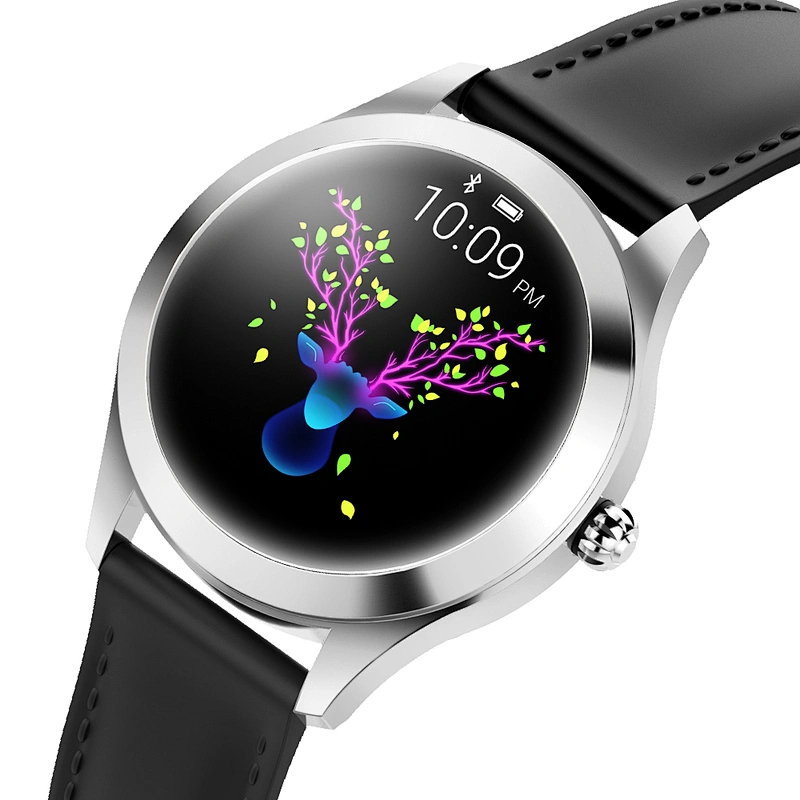
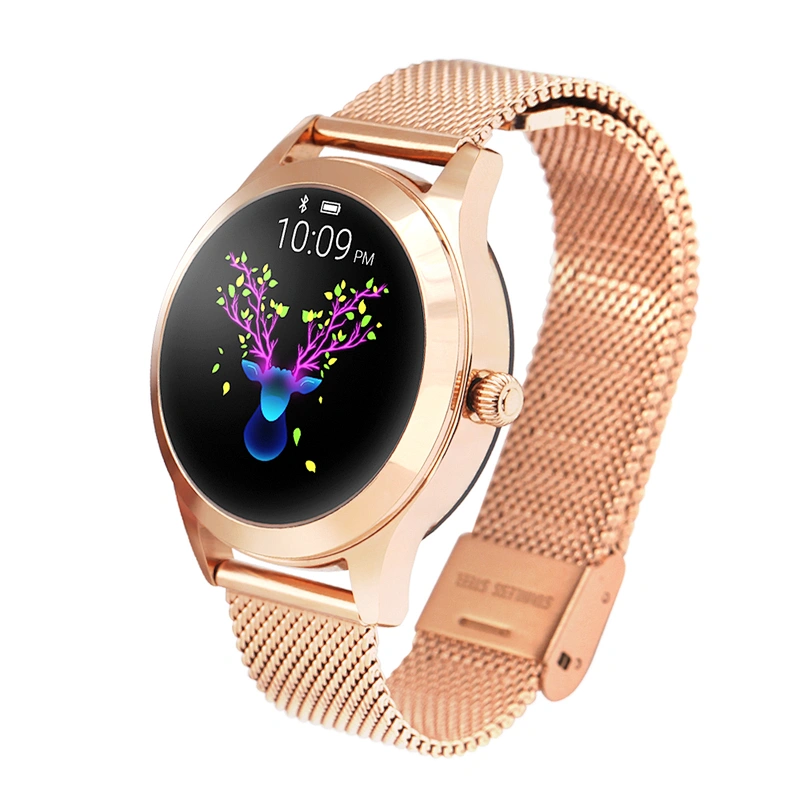
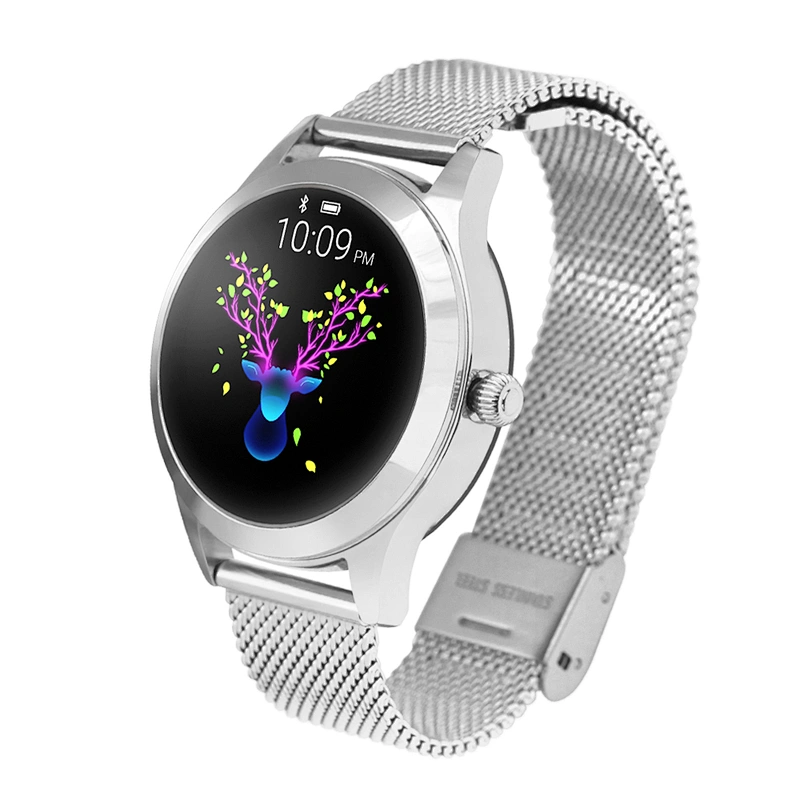
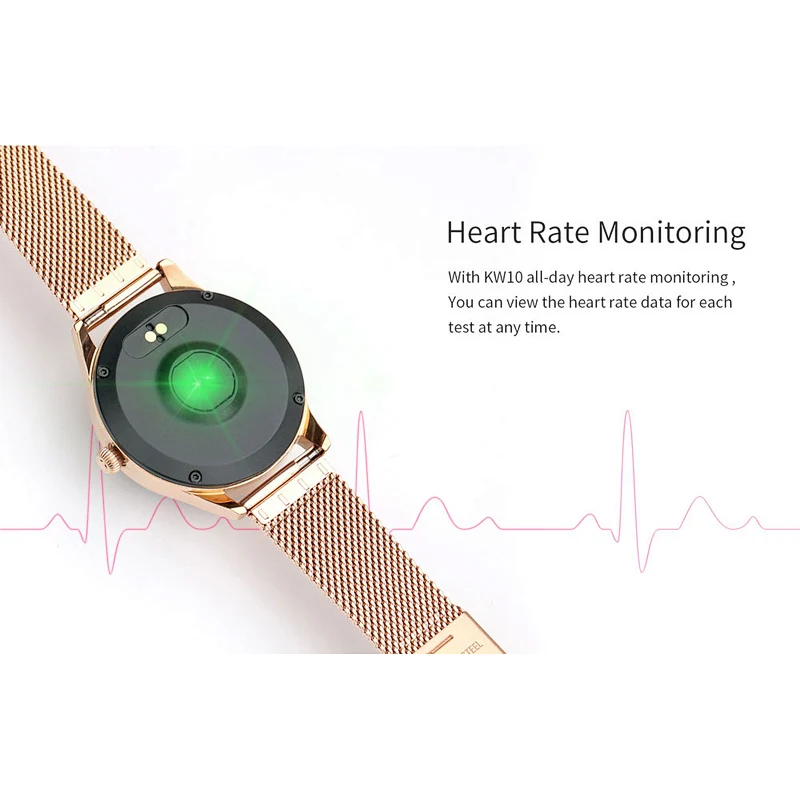
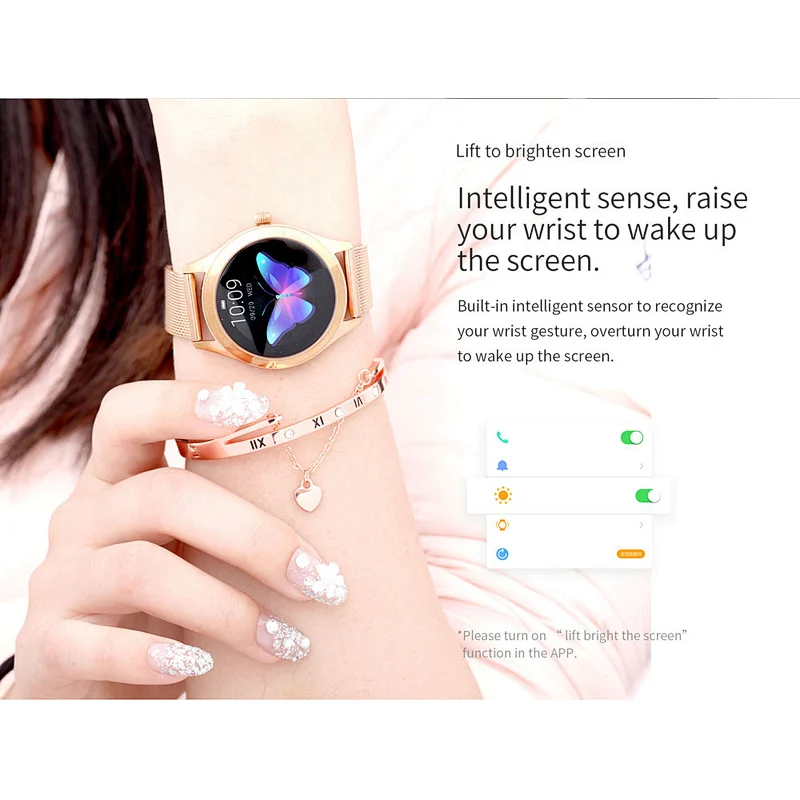
Product Name | Smart Watch | ||
Material | steel | ||
Function | yes,update the latest firmware in the APP | ||
Package | box | ||

Product performance description
产品性能介绍说明


KW10
7.90~14.99
KW10
7.90~14.99